
This user manual provides information on the features and usage of NKK 36x24 logic boards.
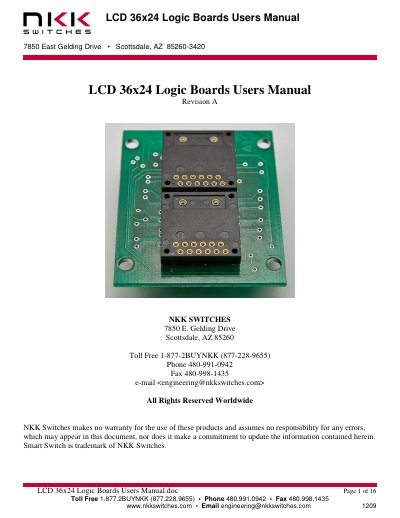
This user manual describes the LCD 36x24 logic boards made by NKK Switches, used for mounting SmartSwitches or SmartDisplays. It covers features like daisy-chaining via ribbon cables, part number configurations, and board dimensions. The boards support various switch types including pushbutton and display variants, with options for direct mounting or socketed installation.
| Logic Board Type | 4-bit logic (except IS-LO102-ISISABCP4CF which is 2-bit) |
|---|---|
| Board Dimensions (IS-L0204/IS-L0205) | 395mm x 220mm |
There are four types: Bicolor/Monocolor pushbutton, RGB pushbutton, Bicolor/Monocolor/RGB display, and Bicolor/Monocolor/RGB compact.
The controller connects to J1 of the first board via a 14-pin ribbon cable. J2 of the first board connects to J1 of the next board, and so on.