
NKK Switches OLED 64x48 Logic Boards User Manual

User manual for NKK Switches OLED 64x48 logic boards used to mount SmartSwitches or SmartDisplays into panels and system assemblies.
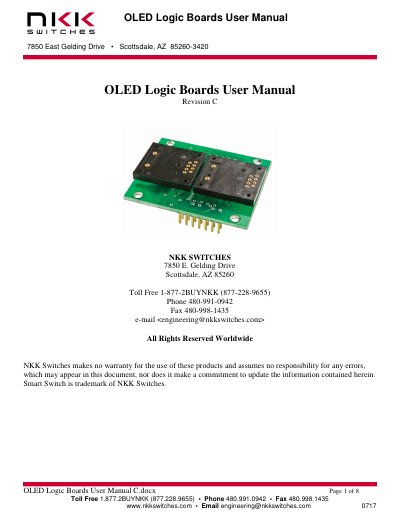

NKK Switches OLED 64x48 Logic Boards User Manual - cover page
Brand
NKK SWITCHES
Document type
User Manual
Language
English
Pages
8
File format
PDF
File size
281 KB
Published
30 October, 2026
Updated
30 October, 2026
MD5 checksum
1B4762C4460E25EA5396E430905DF646

About this manual

This user manual explains how to use OLED 64x48 logic boards for mounting SmartSwitches or SmartDisplays. It covers features, part numbers, connectors, dimensions, schematics, and key terms. Boards can be daisy-chained via 14-pin ribbon cables and support RGB pushbutton or display types. Custom designs are available upon request.

What's inside

  • Preface
  • General Logic Board Features
  • Part Number Configuration
  • Standard Part Numbers
  • Connectors
  • Board Dimensions
  • Schematics
  • Key Terms & Definitions

Frequently asked questions

What are the OLED 64x48 logic boards used for?

These logic boards are used for mounting OLED 64x48 SmartSwitches or 52x36 SmartDisplays into panels and system assemblies.

How many logic boards are typically used in a setup?

One or two switch boards are the most common configurations, though other designs are available.

What is the pin spacing for the connectors on the logic boards?

Both the input and output connectors use a male header with .1"x.1" spacing.

Download PDF (281 KB)

More NKK SWITCHES Manuals


View all NKK SWITCHES manuals →