
VTech InnoTab 2 Learning Tablet User's Manual

This is an instruction manual for a children's educational toy
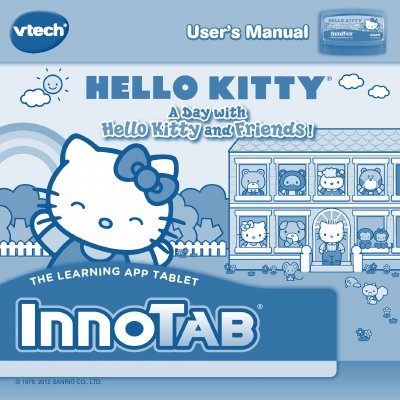

VTech InnoTab 2 Learning Tablet User's Manual - cover page
Brand
V-tech
Category
Tablets
Document type
User Manual
Language
English
Pages
10
File format
PDF
File size
1.4 MB
Published
20 October, 2023
Updated
20 October, 2023
MD5 checksum
34EDA30D73CFFA437918BE2674144D44

About this manual

This manual provides instructions for the VTech InnoTab 2, a multi-function learning tablet designed for children. It features a 5-inch color LCD touch screen, a tilt-sensor for game control, and a cartridge system for interactive e-books and games. The device supports SD card expansion and includes a headphone jack for audio.

What's inside

  • Getting Started
  • Included in Package
  • Reading
  • Learning Games
  • Creativity
  • Settings
  • SD Card
  • Online Features
  • Care & Maintenance
  • Troubleshooting

Specifications

Screen Size5 inch
Product TypeLearning App Tablet
Memory ExpansionSD card slot

Frequently asked questions

What are the three categories of play on the InnoTab?

The three categories of play are Reading, Learning Games, and Creativity.

How do I save a greeting card created in the tablet?

You can save the greeting card on an SD card and print it out on a computer.

What should I do if the unit does not respond to buttons?

Disconnect the AC adaptor from the main unit or remove the batteries, then reconnect the adaptor or reinstall the batteries.

Download PDF (1.4 MB)

More V-tech Manuals


View all V-tech manuals →