
This quick start guide provides detailed information on how to connect and use the MAXREFDES27# IO-Link proximity sensor
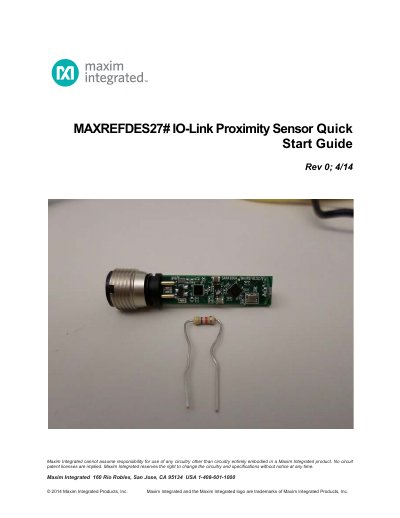
This guide walks you through connecting the MAXREFDES27# board to a Balluff USB IO-Link master and configuring it using the Balluff IO-Link Device Tool. It includes steps for downloading files, installing software, and testing the sensor’s functionality.
The guide assumes you have a PC with Windows 7, the Saratoga board, a Balluff USB IO-Link master, and the RD27_V01_XX.ZIP file. It provides detailed instructions for each setup step, including verifying LED indicators and adjusting sensor parameters.
You need a PC with Windows 7, the Saratoga board, a Balluff USB IO-Link master, Balluff IO-Link Device Tool, and an IO-Link cable.
Ensure the green LED on the sensor is lit; red and yellow LEDs do not need to be lit.