
This document is the user manual for air purifiers AC1215 and AC1211.
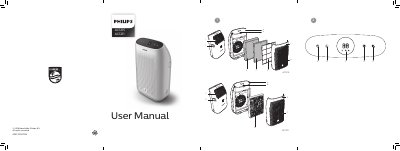
This manual provides step-by-step instructions for installing and operating the Philips AC1215 and AC1211 air purifiers. It covers how to install filters, adjust fan speeds, use night sensing mode, and clean components. The guide also includes troubleshooting tips for common issues like weak airflow or poor air quality performance.
Safety precautions are emphasized, including not using the device with water, avoiding obstructions to air inlets/outlets, and ensuring proper filter installation to prevent hazards.
The air quality light color indicates air quality: blue (good), blue-violet (moderate), red-purple (unhealthy), red (very unhealthy).
Touch the night sensing mode button manually before sleeping. If the air quality light is blue, it goes to night mode quietly. If not blue, it runs turbo mode for 10 minutes then switches to night mode.