
DJI CROSS MOTION 2 User Manual, introducing the use of CROSS MOTION 2, including how to turn on and off, charge, pair, activate, control gimbal camera, control aircraft, gesture control, CROSS MOTION 2 prompt sound, calibrate CROSS MOTION 2, and firmware upgrade
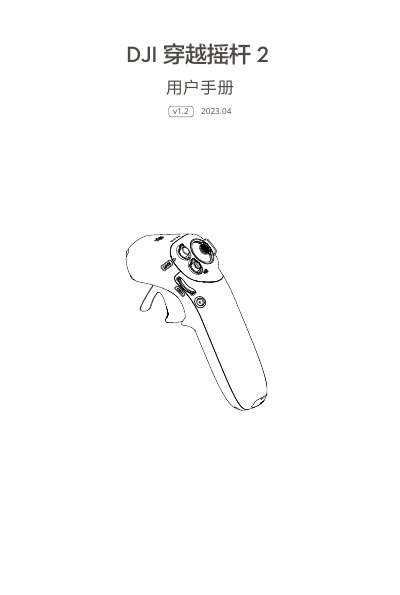
This manual provides instructions for the DJI Cross Motion 2 remote controller (Model RM220). It details how to power on and off the device, use the control sticks, throttle trigger, and buttons to operate compatible aircraft and FPV goggles. The guide also explains how to charge the device, pair it with a flight controller, and perform firmware updates. This manual is written in Chinese.
| Weight | Approx. 170g |
|---|---|
| Operating Frequency | 2.4000-2.4835 GHz |
Double-click the Lock button to start or stop the aircraft motors.
Press the power button once to check battery level, or press and hold for over 2 seconds to power on or off.
Long press the aircraft power button until the battery indicator flashes, then long press the remote controller power button until the pairing tone sounds.