
This manual provides detailed instructions for GE Healthcare ImageQuant™ LAS 4000 users, including product appearance, internal structure, connections, accessories, replacement accessories, etc., and detailed instructions on how to operate ImageQuant LAS 4000 for exposure operations.
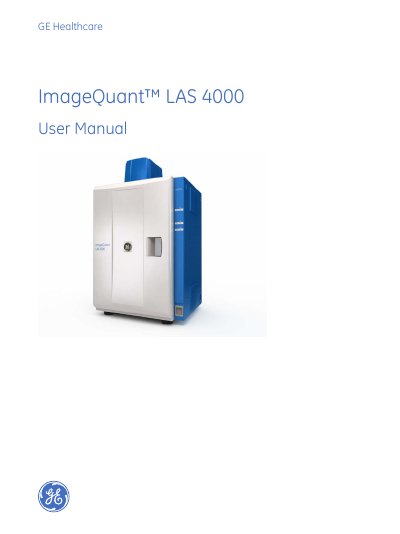
This manual provides detailed instructions for operating the ImageQuant LAS 4000, including hardware setup, software use, and exposure techniques for chemiluminescent, fluorescent, and dye-stained samples. It covers safety precautions, installation, and troubleshooting. The device is intended for research use only and must be used according to the documentation to avoid hazards or damage.
The manual includes sections on hardware components, software controls, exposure methods, calibration, and system requirements. It also addresses safety standards, regulatory compliance, and environmental conditions for proper operation.
| Operating Temperature | 15°C to 28°C |
|---|---|
| Minimum Computer Memory | 1 GB |
| Processor | Intel Core 2 Duo |
| Monitor Resolution | 1280 × 1024 pixels |
It is a camera system for producing digital images of gel or membrane samples or films, used with the ImageQuant LAS 4000 Control Software to expose chemiluminescent, fluorescent, and dye-stained samples.
Do not operate the device in any way other than described in the documentation to avoid hazards or damage. Read safety instructions before use, and follow all warnings and cautions.
Windows XP SP3 or Windows Vista Business SP1 (32-bit), 1 GB memory, Intel Core 2 Duo processor, 80 GB HD, USB 2.0, DVD-ROM, and 1280×1024 monitor resolution.
The device can be supplied with NIR, Red, Green, Blue, and UV epi lights, as well as White Epi light.