
Philips EasyKey 7000 series DDL709-VP-5HW push-pull smart door lock user manual, introduces the product installation, use, settings, maintenance and other related content.
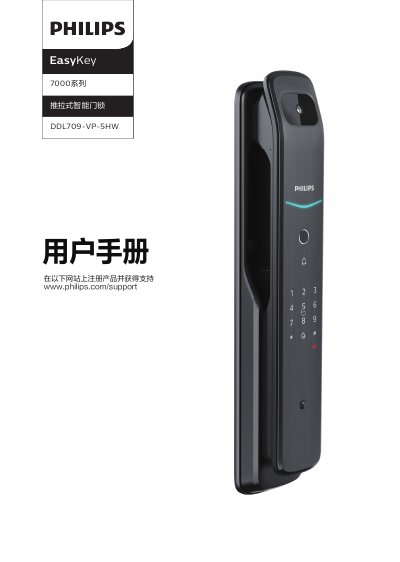
This user manual provides step-by-step instructions for installing, configuring, and operating the Philips EasyKey 7000 series DDL709-VP-5HW push-pull smart door lock. It includes sections on safety, product components, installation procedures, setting up fingerprint and network configurations, using the lock, advanced features like motion detection and silent mode, troubleshooting, and battery management. The manual also covers environmental disposal guidelines and material safety declarations. This manual is written in Chinese.
Install by following the step-by-step instructions in the manual, including mounting the lock body, attaching inner and outer panels, connecting wires, and securing with screws.
The lock requires a lithium battery with a capacity of 5000mA/h.
You can use a 5V power bank to power the lock as an emergency source.
The charging voltage for the battery is 5V.