
TOA IP-A1SC15 IP Horn Speaker User Manual

This manual introduces the installation, connection, setup, and use of the IP horn speaker IP-A1SC15.
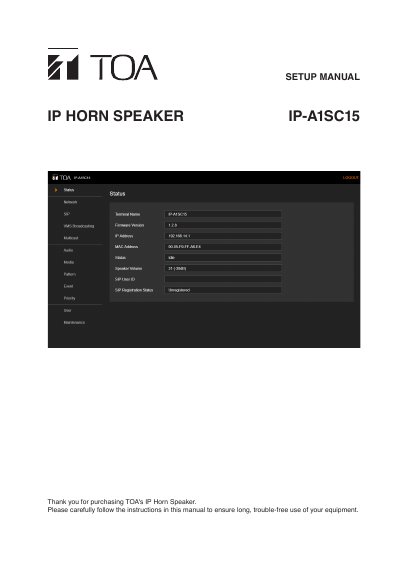

TOA IP-A1SC15 IP Horn Speaker User Manual - cover page
Brand
TOA
Document type
User Manual
Language
English
Pages
49
File format
PDF
File size
1.6 MB
Published
20 October, 2023
Updated
20 October, 2023
MD5 checksum
DA425CE4C26D509D34C1B888A659B87D

About this manual

This manual guides users through setting up and configuring the TOA IP-A1SC15 IP Horn Speaker via a web browser. It covers network configuration, SIP and VMS broadcasting, multicast settings, audio controls, media file management, pattern and event registration, priority settings, user accounts, and maintenance functions including firmware updates and factory defaults. The device is factory-preset with default credentials and IP settings for easy initial setup.

What's inside

  • Setup Summary
  • System Requirements
  • Connection
  • Switching Setup Screens
  • Status Screen Display
  • Network Settings Screen
  • SIP Settings Screen
  • VMS Broadcasting Settings Screen
  • Multicast Settings Screen
  • Audio Settings Screen

Frequently asked questions

What are the default username and password for the IP-A1SC15?

The default username is admin and the default password is guest.

What is the default IP address for the IP-A1SC15?

The default IP address is 192.168.14.1.

What is the default subnet mask for the IP-A1SC15?

The default subnet mask is 255.255.255.0.

Download PDF (1.6 MB)

More TOA Manuals


View all TOA manuals →