
QSG181: Silicon Labs Wi-SUN SDK Quick-Start Guide

This document describes how to get started with Wi-SUN development using the Silicon Labs Wi-SUN software development kit (SDK) and Simplicity Studio® 5 with a compatible wireless starter kit.
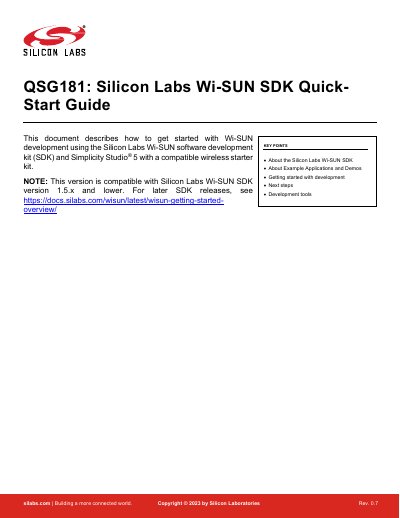

QSG181: Silicon Labs Wi-SUN SDK Quick-Start Guide - cover page
Brand
Silicon Labs
Category
Other Electronics
Document type
Quick Start Guide
Language
English
Pages
27
File format
PDF
File size
3.5 MB
Published
20 October, 2023
Updated
20 October, 2023
MD5 checksum
4157DC322A367BBC21221AA8A7C6B363

About this manual

This document describes how to get started with Wi-SUN development using the Silicon Labs Wi-SUN software development kit (SDK) and Simplicity Studio 5 with a compatible wireless starter kit. It covers key points including an overview of the SDK, example applications and demos, getting started with development, and next steps.

What's inside

  • Introduction
  • About the Silicon Labs Wi-SUN SDK
  • Simplicity Studio 5
  • Gecko Bootloader
  • Gecko Platform
  • Prerequisites
  • Support
  • Documentation
  • About Example Applications and Demos
  • Demos

Frequently asked questions

Which SDK versions is this guide compatible with?

This guide is compatible with Silicon Labs Wi-SUN SDK version 1.5.x and lower.

What boards are compatible with precompiled demo applications?

Precompiled demo application images are compatible with boards brd4163a, brd4164a, brd4170a, brd4172a, brd4173a, brd4253a, and brd4254a.

How long does it take to download the IAR package?

Downloading the IAR package takes approximately 1 hour.

Download PDF (3.5 MB)

More Silicon Labs Manuals


View all Silicon Labs manuals →