
This is a user manual for a MobiGo learning machine produced by VTech company. MobiGo learning machine is a touch screen learning machine that allows children to learn knowledge while playing games, such as numbers, letters, spelling and music.
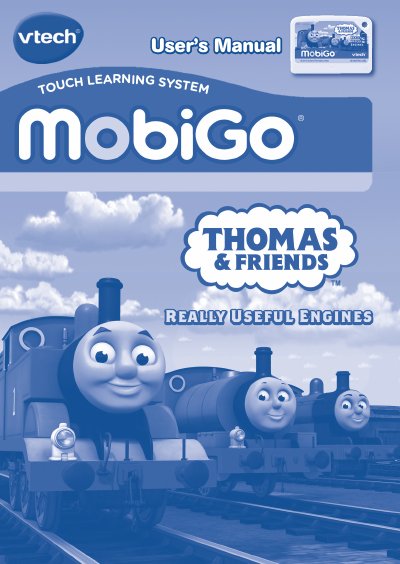
This manual guides users through setting up and playing games on the VTech MobiGo Touch Learning System. It includes instructions for inserting the cartridge, selecting games, using touch and motion controls, adjusting settings, and caring for the device. The system features educational games based on Thomas the Tank Engine, covering topics like counting, colors, letters, and memory. It also includes safety warnings and troubleshooting tips.
Games include Misty Island, Sodor Steamworks, Knapford Station, Brendam Docks, and Tidmouth Sheds, featuring Thomas the Tank Engine and friends.
Motion controls are only available on MobiGo® 2; move the console as directed to perform actions in some games.
Go to the main menu, type 'RESET', then press ENTER to reset scores and erase progress.