
This manual covers the use of the Thorlabs K-Cube Solenoid Controller, including safety information, overview and setup, installation, operation, and troubleshooting.
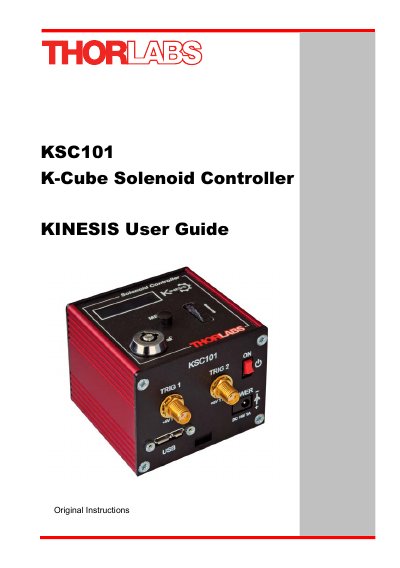
This user guide provides instructions for installing, configuring, and operating the Thorlabs KSC101 K-Cube Solenoid Controller. It includes safety information, mechanical and electrical installation steps, software setup, and both standalone and PC-based operation modes. The controller is designed for controlling solenoid-operated shutters and other devices via manual, timed, or external trigger modes. It supports USB connectivity and integrates with Thorlabs' Kinesis software for PC control and custom automation.
The guide also covers environmental conditions, mounting options, and troubleshooting tips, with detailed sections on using the baseplate, controller hub, and software interface. It is intended for users who need to set up and operate the controller safely and effectively in laboratory or industrial settings.
| Dimensions | 60mm x 60mm x 47mm (2.4" x 2.4" x 1.8") |
|---|---|
| Operating Voltage | 15V |
| Controller Type | Single channel |
| Mounting Options | Baseplate, optical table, or K-Cube Controller Hub |
The KSC101 is designed to operate 15V solenoid actuated devices.
Download the software from www.thorlabs.com, run the .exe file, and follow on-screen instructions. Do not connect the controller to your PC yet.
Yes, multiple units can be connected via standard USB hub technology or using the K-Cube Controller Hub for multi-axis motion control.
The Kinesis software is included, which provides a GUI for manual operation and programmable interfaces for automation using tools like LabView, Visual Basic, and C++.