
ZOOM MIS-7OCDR Audio Effects User Manual

This is a manual that introduces how to use ZOOM brand audio effects
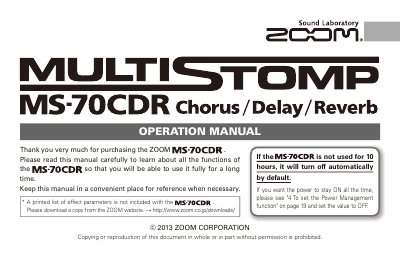

ZOOM MIS-7OCDR Audio Effects User Manual - cover page
Brand
ZOOM
Document type
User Manual
Language
English
Pages
36
File format
PDF
File size
5.3 MB
Published
20 October, 2023
Updated
20 October, 2023
MD5 checksum
A4071A5840F12107D5EF4561B45F46A5

About this manual

This manual guides users through operating the ZOOM MIS-7OCDR, an effects processor for guitar and bass. It covers safety precautions, power setup with batteries or AC adapter, part names, effect selection, patch memory management, and adjusting parameters using knobs and footswitch. The device supports up to six effects simultaneously and includes a tuner and tap tempo function.

The manual also explains how to update firmware, restore factory settings, and troubleshoot issues. It includes FCC and CE compliance information and disposal instructions for electronic waste.

What's inside

  • Usage and Safety Precautions
  • Part Names
  • Turning the Power ON
  • Adjusting Effects
  • Selecting and Saving Patch Memories
  • Changing Patch Memories with the Footswitch
  • Using 2 or More Effects
  • Using the Tuner
  • Tapping the Tempo
  • Changing Various Settings

Frequently asked questions

What is the ZOOM MIS-7OCDR used for?

It is an audio effects unit for chorus, delay, and reverb.

How many patch memories can the MIS-7OCDR store?

The MIS-7OCDR can store 50 patch memories.

What is the maximum number of effects that can be used at once?

The MIS-7OCDR can use between 1 and 6 effects at a time.

Download PDF (5.3 MB)

More ZOOM Manuals


View all ZOOM manuals →