
This manual introduces how to use the Fitbit Surge smart watch, including the watch's configuration, wearing, battery, GPS, timer and sleep monitoring, etc.
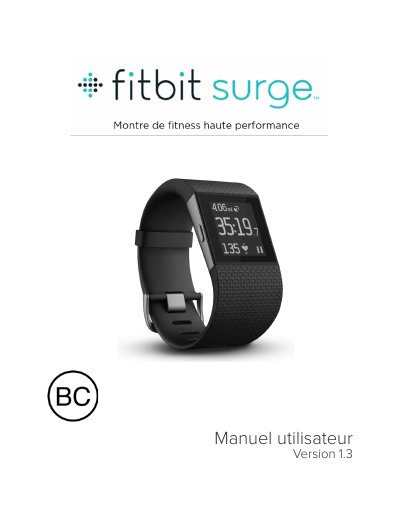
This manual guides you through setting up your Fitbit Surge, syncing it with your mobile device or computer, and using its features like activity tracking, sleep analysis, and music control. It also covers battery life, maintenance, and troubleshooting.
The Surge connects via Bluetooth to sync data with the Fitbit app or Fitbit Connect software on Windows or Mac. You can customize settings, track workouts, and receive notifications. The manual includes detailed steps for iOS, Android, and Windows 10 devices, as well as PC setups with a wireless sync dongle. This manual is written in French.
| Battery | Battery life and charging instructions |
|---|---|
| Screen | Display specifications |
| Memory | Storage capacity |
| Sensors | Heart rate and motion sensors |
Install the Fitbit app on your mobile device or use Fitbit Connect on your PC, then follow the setup steps to link your Surge to your account.
Use Bluetooth (or a wireless sync dongle on PC) to sync data with the Fitbit app or Fitbit Connect software.
Yes, you can use a PC with Fitbit Connect, but mobile devices are required for notifications and GPS.