
The StoreJet SJM100/300/500 is Transcend's Thunderbolt and USB portable hard drive series, which can be used on Mac and Windows systems. It comes bundled with Transcend Elite software and supports the One Touch Auto-Backup feature.
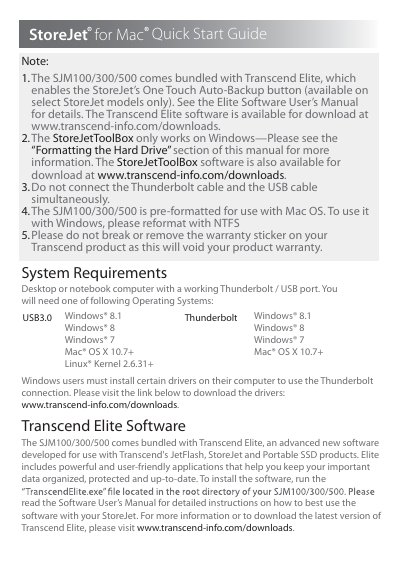
This document serves as a quick start guide for the Transcend SJM100/300/500 portable hard drive. It details the bundled Transcend Elite software, which enables the One Touch Auto-Backup feature on select models, and provides download links for the software and necessary drivers. The guide specifies system requirements for both Windows and Mac OS X, noting that Windows users must install specific drivers for Thunderbolt connectivity.
| Compatible Operating Systems | Windows 8.1, Windows 8, Windows 7, Mac OS X 10.7+, Linux Kernel 2.6.31+ |
|---|---|
| Interface | Thunderbolt / USB 3.0 |
The drive comes bundled with Transcend Elite, which enables the One Touch Auto-Backup button.
No, the StoreJetToolBox only works on Windows.
The drive is pre-formatted for Mac OS; to use it with Windows, you must reformat it with NTFS.
No, you should not connect the Thunderbolt cable and the USB cable at the same time.