
Transcend StoreJet 25F User's Manual, introduces the product features, usage methods and precautions.
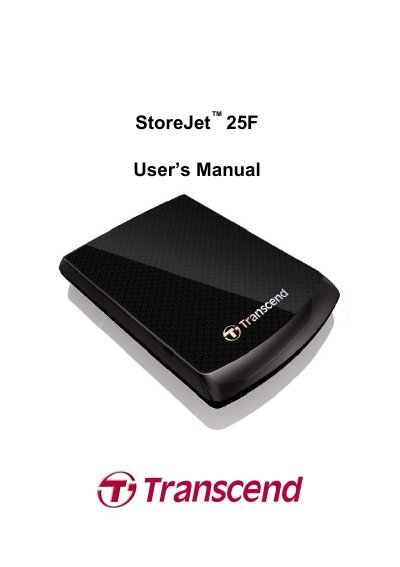
The Transcend StoreJet 25F is an ultra-portable, high-speed USB 2.0 external hard drive designed for data management on desktop and notebook computers. It features a sleek compact shape with a gloss diamond pattern and includes a travel pouch and a Mini USB to Standard-A USB cable (USB Y cable) for power and data transfer. The device is completely USB powered and compatible with Windows 2000/XP/Vista, Mac OS 9.0 or later, and Linux Kernel 2.4 or later.
| Storage Media | 2.5-inch USB Hard Disk Drive |
|---|---|
| Max. Transfer Speed | 480Mbits per second |
| Operating Temperature | 5℃ (41 ℉) to 55℃ (131 ℉) |
| Weight | 163g |
| Warranty | 2-years |
No, the StoreJet 25F is completely USB powered and does not need an external power supply or battery.
The package includes a Mini USB to 2 Standard-A USB cable (USB Y cable).
The device supports high-speed data transfer rates up to 480Mbits per second via USB 2.0.