
Transcend SJM100/300/500 Thunderbolt 3 External Hard Drive comes with USB-C interface, supports Thunderbolt 3 and USB 3.1 Gen 2, supports Mac and Windows systems, and has the automatic backup function.
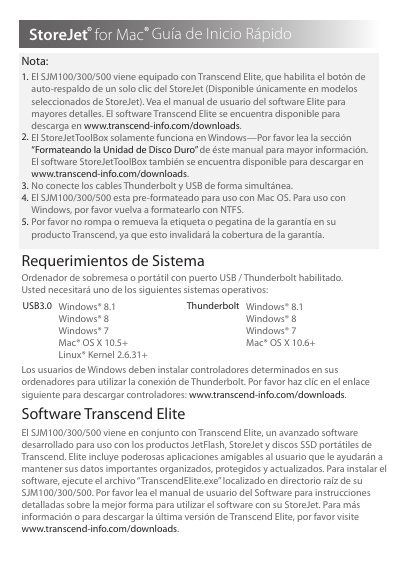
This document provides usage instructions for the Transcend StoreJet SJM100/300/500 external hard drive. It details the included Transcend Elite software, which enables a one-click auto-backup button on selected models, and the StoreJetToolBox utility for Windows users. The guide explains how to install drivers and software, noting that the drive comes pre-formatted for Mac OS and requires reformatting to NTFS for Windows use. This manual is written in Spanish.
| Included Software | Transcend Elite |
|---|---|
| Pre-formatted OS | Mac OS |
| Windows Format | NTFS |
The software is available for download at www.transcend-info.com/downloads.
Removing the warranty label will invalidate the warranty coverage.