
This user manual describes the R&S®ZN-Z5x calibration units, including models R&S®ZN-Z50, R&S®ZN-Z51, R&S®ZN-Z52, R&S®ZN-Z53, R&S®ZN-Z54 and R&S®ZN-Z55.
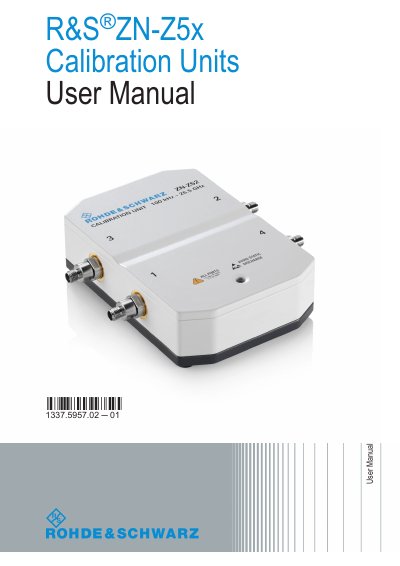
This User Manual describes the R&S ZN-Z5x Calibration Units, covering models ZN-Z50, ZN-Z51, ZN-Z52, ZN-Z53, ZN-Z54, and ZN-Z55. It provides instructions on connecting the unit to a network analyzer via USB, interpreting the status LED, and performing automatic calibration to ensure measurement accuracy.
| Frequency Range (ZN-Z50) | 9 kHz to 9 GHz |
|---|---|
| Frequency Range (ZN-Z54) | 9 kHz to 40 GHz |
| Frequency Range (ZN-Z55) | 9 kHz to 50 GHz |
| USB Cable Length Limit | 3 m |
| Recommended Input Power | -10 dBm |
A blinking orange LED indicates that data transfer is occurring between the calibration unit and the network analyzer.
Yes, it is safe to connect or disconnect the unit while the analyzer is operating, but never while data is being transferred.
The length of the connecting USB cable should not exceed 3 meters.