
Rohde & Schwarz InstrumentView Software Manual

R&S®InstrumentView Software Manual 1321.1040.02 ─ 05.00 (=E:X2) The software manual describes the following: ● R&S®InstrumentView ●The R&S®InstrumentView supports the following product series: R&S®FPH ● R&S®ZPH ● R&S®FPC ● R&S®FSH4 ● R&S®ZVH ● R&S®FSC
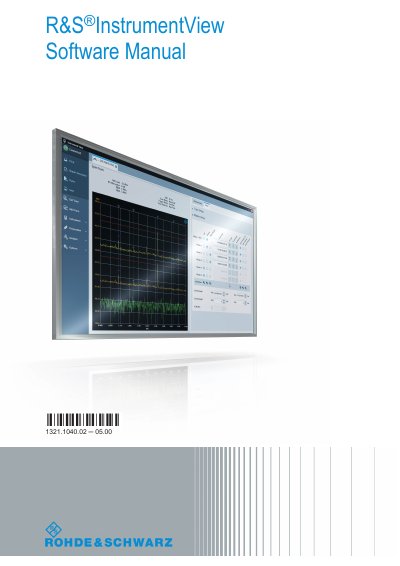

Rohde & Schwarz InstrumentView Software Manual - cover page
Brand
ROHDE&SCHWARZ
Category
Other Electronics
Document type
User Manual
Language
English
Pages
82
File format
PDF
File size
7.6 MB
Published
20 October, 2023
Updated
20 October, 2023
MD5 checksum
FBD90D1B05A801ABB797923016D50EE1

About this manual

The R&S InstrumentView is application software designed to remotely control Rohde & Schwarz spectrum analyzers via LAN or USB interfaces. It provides capabilities for printing services, customizing test reports, and performing editorial functions on datasets generated by the instrument. The software supports post-processing features, such as editing marker positions on trace measurements.

What's inside

  • Installing R&S InstrumentView
  • R&S InstrumentView Screen Layout
  • Connecting the Instrument
  • Using R&S InstrumentView
  • Working with Trace Windows
  • Working with Instrument Datasets
  • Working with Instrument
  • Options

Frequently asked questions

What spectrum analyzer series does R&S InstrumentView support?

It supports R&S FSH4, R&S ZVH, R&S FSC, R&S FPH, R&S ZPH and R&S FPC.

Which Windows versions does the software install on?

It installs on PCs running Windows 7, 8 and 10.

How do you start the R&S InstrumentView software?

You can start it by double-clicking the icon on the desktop or via "Start > All Programs > Rohde-Schwarz > Instrument View".

Download PDF (7.6 MB)

More ROHDE&SCHWARZ Manuals


View all ROHDE&SCHWARZ manuals →