
This manual describes the features of the REED Instruments R8150 light meter, including user-selectable ranges, convenient pocket size design, 4-digit LCD display, max and data hold functions, over range and low battery indicators, and auto shut-off.
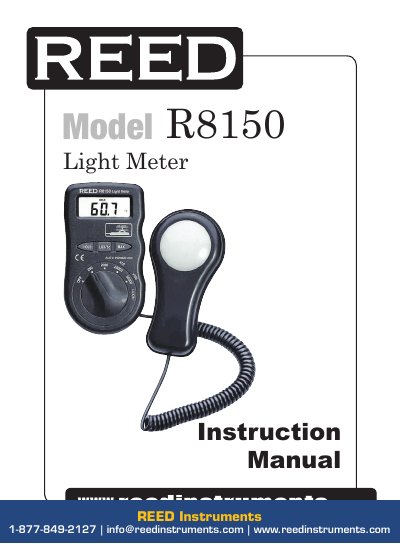
This manual provides instructions for operating the REED Instruments R8150 light meter, including how to select measurement ranges, use the display, and handle over-range conditions. It also details specifications such as measuring range, accuracy, and operating temperature. Battery replacement is covered when the device displays a low battery warning.
| Measuring Range | Lux: 0 to 50,000; Fc: 0 to 5,000 |
|---|---|
| Accuracy | <10,000 Lux/Fc: ±(5% rdg.+ 10 dgt); >10,000 Lux/Fc: ±(10% rdg.+ 10 dgt) |
| Resolution | Lux/Fc: 0.1 |
| Response Time | <1 sec |
| Display | 4-digit LCD |
| Auto Shut-off | Yes (after 15 mins) |
| Operating Temperature | 32 to 122°F (0 to 50°C) |
| Dimensions | 7.4 x 2.5 x 1” (188 x 64.5 x 24.5mm) |
| Weight | 5.6 oz (160g) |
Turn the Power/Function/Range switch to select the desired range (x1 Lux/Fc, x10 Lux/Fc, x100 Lux/Fc).
It indicates the battery needs to be replaced. Open the battery case and install a new 12V battery.
Accuracy is ±(5% reading + 10 digits) for readings under 10,000 Lux/Fc, and ±(10% reading + 10 digits) for readings above 10,000 Lux/Fc.