
This manual introduces the features and usage of Reed R9850 digital scale.
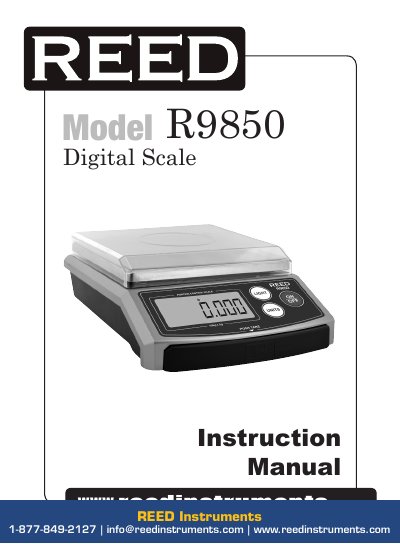
This manual provides instructions for safely operating and maintaining the REED Instruments R9850 digital scale. It includes safety guidelines, features like auto-zero and multiple weighing modes, operating steps, calibration procedures, and troubleshooting for common issues such as low batteries or overload. The scale is designed for precision use and requires careful handling to ensure accuracy and longevity.
| Capacity | 15kg / 33lbs / 529oz / 15000g |
|---|---|
| Graduations | 2g |
| Units | kg, lbs, g, oz, lb-oz, lb-¼oz, ¼oz |
| Tare | Yes |
| Auto off | Yes after 120 seconds |
| Platform size | 7” x 7” (17 x 17 cm) |
| Power Source | 4 x “AA” rechargeable batteries or AC/DC 110v power adapter |
Turn the scale on, press and hold the UNITS button for 5 seconds until 'CAL' appears, then press UNITS again, place a 2.5 kg calibration weight on the platform, and the display will show '[PASS]' when calibrated.
Clean under the platform, then recalibrate and reboot the scale.
The batteries need to be recharged.