
This manual introduces R8080 sound level meter / data logger's safety information, features, specifications, operating instructions, data logging software and other contents
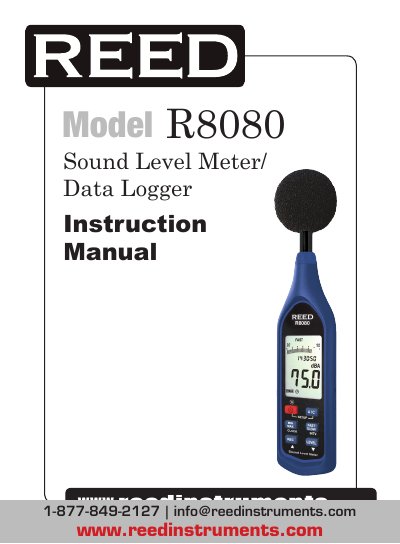
This manual provides step-by-step instructions for operating the REED Instruments R8080 sound level meter and data logger. It covers safety precautions, instrument features, operating instructions, data logging setup, and calibration procedures. The device meets IEC 61672-1 Class 2 standards and includes a USB interface, real-time clock, and tripod mount for long-term monitoring.
The manual also explains how to configure settings such as time weighting (FAST or SLOW), frequency weighting (A or C), and level ranges (Lo, Med, Hi, Auto). It details how to use the Max/Min hold function, set the date and time, and clear stored data. The device can record up to 64,000 data points and includes a windscreen to reduce wind interference.
| Frequency Range | 20Hz to 8KHz |
|---|---|
| Measuring Level Range | 30 to 130dB |
| Frequency Weighting | A / C |
| Microphone | ½ inch electret condenser microphone |
| Resolution | Digital: 0.1dB, Analog: 2dB |
| Sample Rate | Digital: 0.5 sec., Analog: 50 mS |
| Time Weighting | FAST and SLOW |
| Data Logging Capacity | 64,000 records |
| Accuracy | ±1.4dB (under reference conditions at 94dB, 1KHz) |
| Operating Temperature | 0 to 40°C (32 to 104°F) |
| Operating Humidity | 10 to 90%RH |
| Storage Temperature | -10 to 60°C (14 to 140°F) |
| Storage Humidity | 10 to 75%RH |
| Dimensions | 264 × 63 × 29mm (10.4 × 2.5 × 1.1") |
| Weight | Approx. 245g (8.8oz) |
| Power Supply | 4 x AAA, NEDA 24A, IEC LR03 Batteries |
| Battery Life | Approx. 50hrs (alkaline battery) |
While the meter is off, enter SETUP mode by pressing and holding the Setup Button and turning the meter on. Press the Clock Button to select the clock setting function, then use the Up and Down arrows to adjust the year, month, day, hour, minute, and second. Press the Clock button to save and exit.
Turn the meter on, select the desired settings, then press the Record Button to begin data logging. Press the Record Button again to stop logging. When memory is full, the LCD will display 'FULL'.
The maximum recording interval is 1 minute, and the minimum is 1 second.
While the meter is turned off, press and hold the Record Button, then press and hold the Power Button for 5 seconds. The LCD will display 'CLr' and 'SURE', indicating the memory is cleared.