
This is an instruction manual for SD-8205 Vibration Meter/Datalogger
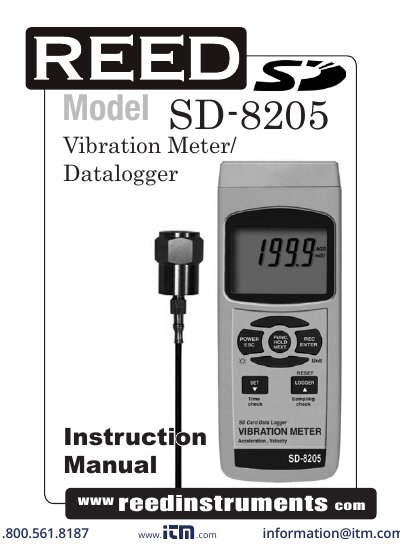
This manual provides operating instructions for the REED Instruments SD-8205 vibration meter/datalogger. It covers unit selection, zero adjustment, data hold, and datalogging functions. The device measures acceleration and velocity with RMS, peak, and max hold modes. It includes an SD card for data storage and USB/RS232 for PC interface. The manual also details setup for sampling time, clock, and decimal point formatting.
| Frequency Range | 10Hz - 1KHz |
|---|---|
| Sampling Time | 1 second to 3600 seconds |
| Memory Card | SD memory card, 1 GB to 16 GB |
| Data Output | USB/RS232 PC computer interface |
| Temperature Range | 0-50°C (0-122°F) |
| Resolution | 0.1°C/0.1°F |
| Accuracy | ± 0.8°C/1.5°F |
| Power Supply | UM3/AA (1.5 V) x 6 batteries |
| Weight | Main instrument 515g/1.13lb, Probe 99g/.22lb |
| Dimensions | Main instrument 203 x 76 x 38mm, Probe 37mm 16mm Dia, Cable Length 1.2m |
Press and hold the Unit Button. The display will flash the units m/s², g, mm/s, cm/s, ft/s², inch/s. Release the Unit Button to select the displayed unit.
Connect the Vibration Sensor to the Meter, select Acceleration measurement, keep the sensor motionless, then press and hold the Logger Button for at least 5 seconds.
Press the REC Button to start the Data Record function, then press the Logger Button. The “REC” symbol will flash while measuring data and time information.
Plug the SD card into the computer and it downloads directly to EXCEL.