
This manual introduces the usage of Ohaus Scout balance scale, including turning on, turning off, weighing, setting menu, maintenance, troubleshooting, etc
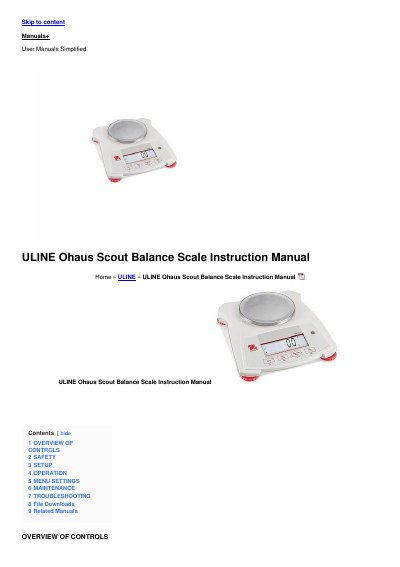
The Ohaus Scout balance scale is a precision instrument designed for weighing applications. This instruction manual details the controls, safety precautions, and setup procedures required for initial use. It covers essential operations such as turning the device on and off, changing units of measure, and performing tare functions.
Press and hold the ZERO button for one second.
Press and hold the PRINT/UNITS button until the desired weighing unit appears.
The factory default setting is WEIGHING mode.
Remove all weight from the platform and press and hold MENU until MENU is displayed.