
This manual describes the GUI software for Newport Corporation's DL Controller Series single-axis motion controllers.
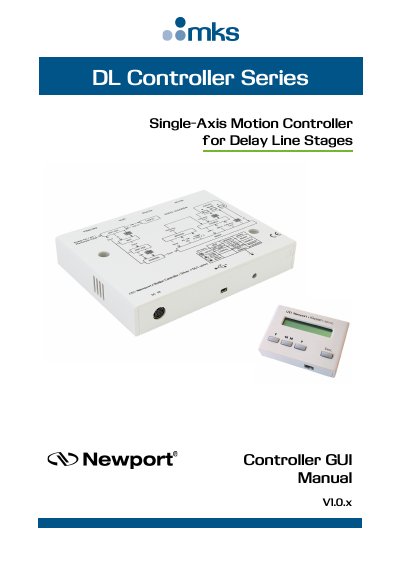
This manual provides step-by-step instructions for installing and using the DL Controller GUI on Windows 7, 8, and 10. It covers host computer configuration, software installation, connecting hardware, verifying communication ports, launching the GUI, and navigating its interface for motion control. It also includes troubleshooting and error recovery procedures for common operational issues.
The GUI allows users to initiate moves, adjust parameters, and manage controller states. It requires a USB driver to be installed before use and only supports standard PC screens. The manual includes detailed sections on motion commands, jogging, auto-step scanning, settings, and terminal commands for advanced control.
The DL Controller GUI runs on Windows 7, 8, and 10 platforms.
The USB driver must be installed on your computer before running the GUI.
The DL Controller GUI supports the standards screens of personal computers. Other kinds of screens are not supported (tablettes, mobile phons, etc.).