
Newport Corporation DL Controller Series USB Driver Installation Manual

This document introduces the USB driver installation steps for DL controller, which are suitable for Windows 7, 8.1 and 10 system
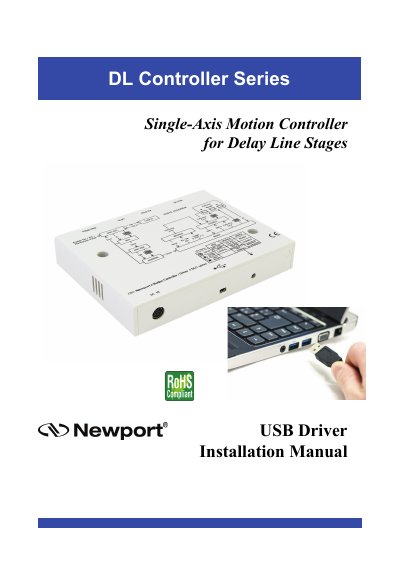

Newport Corporation DL Controller Series USB Driver Installation Manual - cover page
Brand
Newport Corporation
Document type
Installation Guide
Language
English
Pages
16
File format
PDF
File size
1.4 MB
Published
19 October, 2023
Updated
19 October, 2023
MD5 checksum
57D341F00437A737E90A6E857829F1DB

About this manual

This manual provides step-by-step instructions for installing USB drivers for the DL Controller Series on Windows 7, 8.1, and 10. For Windows 7 and 8.1, users must manually install custom .inf files. Windows 10 includes a generic driver that automatically assigns a COM port. The document also includes a service form for returns and contact information for support.

What's inside

  • Introduction
  • Windows 7 Installation
  • Windows 8.1 Installation
  • Windows 10 Installation
  • Service Form

Frequently asked questions

Does Windows 10 require manual driver installation?

No, Windows 10 automatically installs a generic driver when the DL Controller is connected.

What is the DL Controller Series used for?

It is a Single-Axis Motion Controller for Delay Line Stages.

What USB class does the DL controller use?

It uses the “Communications and CDC Control” USB-IF class.

What files are needed to install the driver on Windows 7?

The files are usb_dev_serial.inf, usb_dev_serial_amd64.cat, and usb_dev_serial_x86.cat.

Download PDF (1.4 MB)

More Newport Corporation Manuals


View all Newport Corporation manuals →