
This manual provides instructions on how to use the CONEX-CC Controller GUI
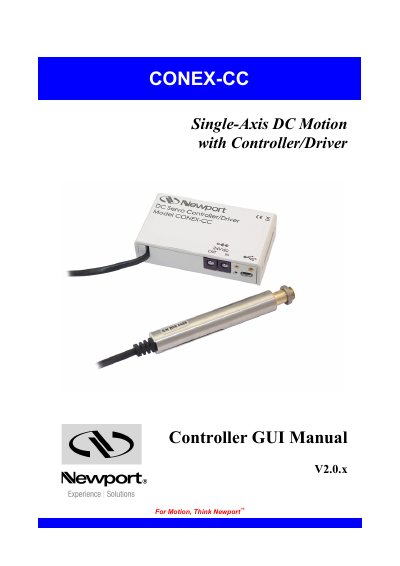
The CONEX-CC Controller GUI is a software tool designed to interact with the CONEX-CC controller, which manages stages with DC motors and encoder feedback. The interface allows users to initiate moves, change controller states, and adjust various parameters. The document details the controller's state diagram, including indicators for configuration, ready, homing, moving, and tracking modes.
| Application | Single-Axis DC Motion |
|---|---|
| Feedback Type | Encoder feedback |
| Position Tracking Availability | Controller version 2.0.0 |
The purpose is to provide instructions on how to use the GUI to interact with the controller, initiate moves, change states, and adjust parameters.
A solid orange LED indicates that everything is OK.
You select the X axis by performing a left mouse click.