
The V2401/2402 Series embedded computers are based on the Intel Atom N270 x86 processor, and feature four RS-232/422/485 serial ports, eight RS-232 serial ports, dual Gigabit LAN ports, six USB 2.0 hosts, and a CompactFlash socket. The V2401 computer provides VGA, DVI, and LVDS outputs, and the V2402 computer provides both VGA and DVI outputs, making them particularly well-suited for industrial applications such as SCADA and manufacturing automation.
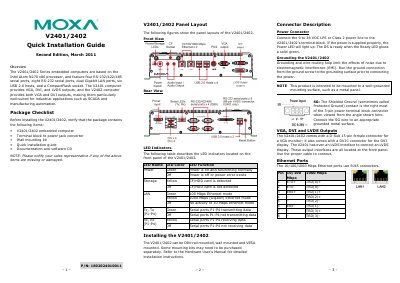
This document provides a quick installation guide for the Moxa V2401 and V2402 embedded computers. These devices feature an Intel Atom N270 processor and are designed for industrial applications such as SCADA and manufacturing automation. The guide covers the package contents, panel layout, and LED indicator functions.
| Processor | Intel Atom N270 x86 processor |
|---|---|
| Power Input | 9 to 36 VDC LPS or Class 2 power line |
| Boot Time | about 30 seconds |
| Default LAN 1 IP | 192.168.3.127 |
| Default LAN 2 IP | 192.168.4.127 |
It takes about 30 seconds for the system to boot up.
The factory default IP address for LAN 1 is 192.168.3.127.
Yes, the V2401/2402 can be DIN-rail mounted, wall mounted, and VESA mounted.