
C320Turbo Intelligent Serial Board Quick Installation Guide
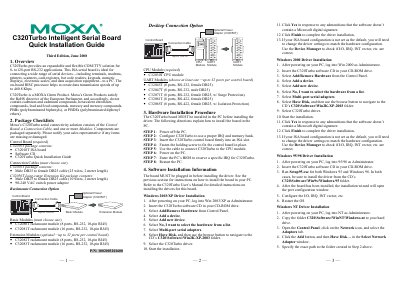
This guide provides step-by-step instructions for installing the MOXA C320Turbo ISA serial board, including hardware setup and driver installation for Windows 2000/XP/2003, Windows 95/98, Windows NT, and Linux. It details component packaging, IRQ and memory configuration, and software setup procedures. The board supports 8 to 128 RS-232/RS-422 ports via modular expansion and includes RoHS-compliant design. Hardware installation requires powering off the PC, inserting the board into an ISA slot, connecting modules, and configuring BIOS and device manager settings before driver installation.
| Data Transmission Speed | up to 460.8 Kbps |
|---|---|
| Ports Supported | 8 to 128 |
| Compliance | RoHS Directive |
It supports 8 to 128 RS-232 or RS-422 ports via modular expansion.
The on-board RISC processor enables data transmission speeds of up to 460.8 Kbps.
Insert the software CD, open Add/Remove Hardware, select Multi-port serial adapters, choose the driver from the CD’s folder, and install.