
Moxa UI_2.0_FW_5.x Managed Ethernet Switch User Manual

Describes the functions and features of the Moxa Managed Ethernet Switch (UI_2.0_FW_5.x) product.
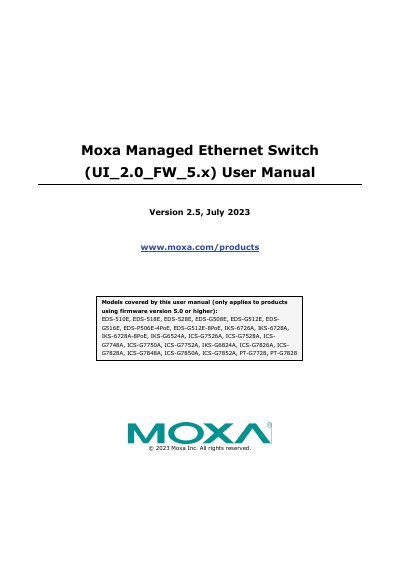

Moxa UI_2.0_FW_5.x Managed Ethernet Switch User Manual - cover page
Brand
moxa
Category
Other Electronics
Document type
User Manual
Language
English
Pages
129
File format
PDF
File size
7.2 MB
Published
19 October, 2023
Updated
19 October, 2023
MD5 checksum
CFCBBCB871FE33668C85177B219C97F6

About this manual

This user manual provides instructions for configuring and managing Moxa managed Ethernet switches that utilize firmware version 5.0 or higher. It details three primary methods for accessing the device's configuration settings: the USB console interface, the Command Line Interface (CLI), and the Web Console interface. The guide includes step-by-step procedures for initial setup, such as connecting via USB or establishing a network connection for Telnet or web access.

What's inside

  • About This Manual
  • Getting Started
  • USB Console Configuration
  • Configuration by Command Line Interface
  • Configuration by Web Console
  • System Settings
  • Network Settings
  • VLAN Configuration
  • Security Settings
  • Monitoring and Diagnostics

Frequently asked questions

What is the default IP address of the Moxa switch?

The Moxa switch’s default IP address is 192.168.127.253.

What are the USB console configuration settings?

The USB console configuration is 115200 baud, 8 data bits, none parity, 1 stop bit, VT100 terminal type.

What are the default login credentials for the Moxa switch?

The default login is admin or user with password moxa.

What are the available logic operators for Logic Tracking?

The available logic operators are AND, OR, and NOT.

Download PDF (7.2 MB)

More moxa Manuals


View all moxa manuals →