
This document describes the steps to set up the Z’-LYTE® Assay on the SpectraMax® M5/M5e Microplate Reader with SoftMax® Pro 6 Software.
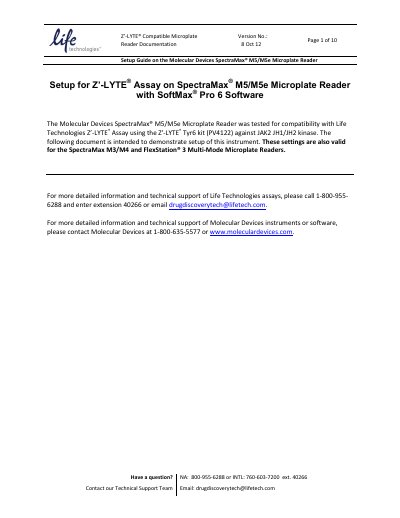
This document serves as a setup guide for the Molecular Devices SpectraMax M5/M5 e Microplate Reader, specifically demonstrating compatibility with the Life Technologies Z'-LYTE Assay using the Z'-LYTE Tyr6 kit. The guide provides recommended optical wavelength settings and step-by-step instructions for configuring the SoftMax Pro 6 software.
| Excitation Wavelength | 405/9 Monochromator |
|---|---|
| Emission 1 Wavelength | 450/15 Monochromator |
| Emission 2 Wavelength | 530/15 Monochromator |
| Emission 1 Cutoff Filter | 435 Filter |
| Emission 2 Cutoff Filter | 515 Filter |
| Recommended PMT Gain | Automatic |
The setup supports choosing a plate format of either 96 or 384 wells.
The recommended setting is "Automatic" to enable the widest range of sample brightness detection.
Yes, the "Read from Bottom" box must be checked.