
Molecular Devices ClonePix 2 Software Applications Manual

This manual provides instructions for the ClonePix 2 software, covering workflows like Pick Run, Batch Pick Run, and Imaging Run, as well as maintenance and…
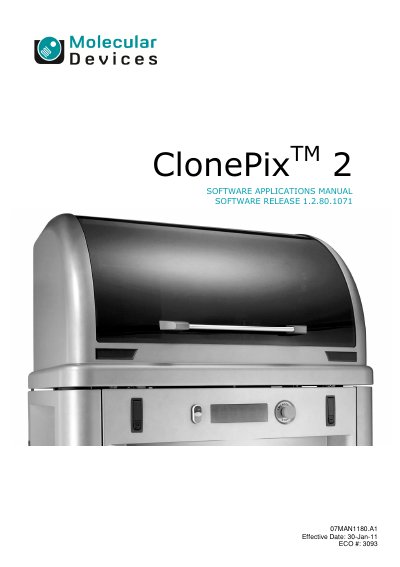

Molecular Devices ClonePix 2 Software Applications Manual - cover page
Brand
Molecular Devices
Category
Other Electronics
Document type
User Manual
Language
English
Pages
77
File format
PDF
File size
6 MB
Published
27 October, 2026
Updated
27 October, 2026
MD5 checksum
1173EBAA53058C6728C0E157C3B7D2E3

About this manual

The ClonePix 2 software controls the process of selective mammalian cell picking by the ClonePix 2 instrument. It simplifies interaction with the system, allowing multiple users to select and collect colonies from semi-solid or liquid media. The software utilizes colony detection algorithms and proprietary multi-channel fluorescence technology to detect protein secretion or production.

What's inside

  • Workflows
  • Pick Run
  • Batch Pick Run
  • Imaging Run
  • Start up the ClonePix 2
  • Main Navigation Screen
  • ClonePix 2 Processes
  • Maintenance Processes
  • Replacement Parts and Optional Extras
  • Reviewing and Exporting Data

Frequently asked questions

What mammalian cell types can the ClonePix 2 software select and collect?

The software is designed to select suspension cells from semi-solid medium or adherent colonies from liquid medium.

How long must the ClonePix 2 be turned on before opening the software?

The instrument must be powered on for approximately two minutes to ensure all drives are homed correctly.

What is the capacity of the wash bottle used in the fluid system?

The wash bottle contains a four liter volume of sterile water.

Download PDF (6 MB)

More Molecular Devices Manuals


View all Molecular Devices manuals →