
This document introduces the functions and characteristics of the ATS-342 Automatic Transfer Switch Controller, as well as how to install, operate and maintain it
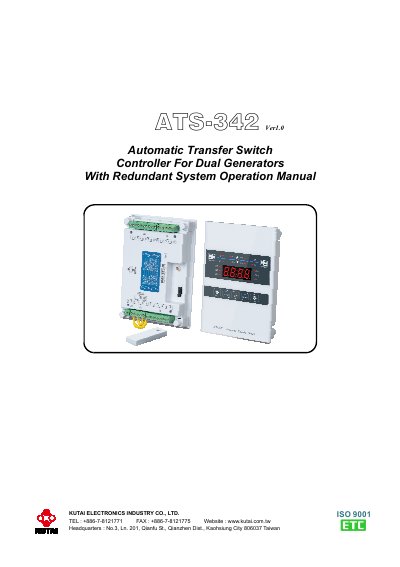
The ATS-342 is a microprocessor-based controller designed to manage automatic transfer between two backup generators in a redundant system. It monitors voltage and frequency for both generators and allows programming of duty cycles, transfer delays, and cool-down times. The unit features a front-panel display and buttons for operation and programming, with optional remote communication via USB, RS485, or Ethernet. Safety precautions are included for high-voltage handling.
Installation instructions cover panel cut-out, dimensions, and wiring. The controller supports manual bypass and auto-saved settings, with LEDs indicating generator status and faults.
| Adjustable Duty Time Range | 0 − 250 Hours |
|---|---|
| Transfer Time Delay Range | 0 − 250 sec |
| Cool-down Time Delay Range | 0 − 250 sec |
| OFF Position Time Delay Range | 0 − 99 sec |
| Over Voltage Range | 110 − 520 Vac |
| Under Voltage Range | 80 − 470 Vac |
| Over Frequency Range | 51 − 75 Hz |
| Under Frequency Range | 40 − 59 Hz |
When a generator fails, the controller shuts down the engine, sounds an alarm, and switches to the other generator. The failed engine won’t restart until the alarm is manually reset by pressing the AUTO button.
Yes, it supports remote programming via USB, RS485, or Ethernet (mobile proxy) communication.
The Bypass button allows manual override of programmed functions. In AUTO mode, pressing it forces the controller to start the second generator and transfer the load, ignoring current timers and settings.
It monitors voltage (over/under) and frequency (over/under) for both generators, with adjustable ranges for each parameter.