
KCU-70 Modbus TCP/IP communication module hardware operation manual, introducing module specification, installation, connection, status, parameter configuration, data packet format, function codes, etc.
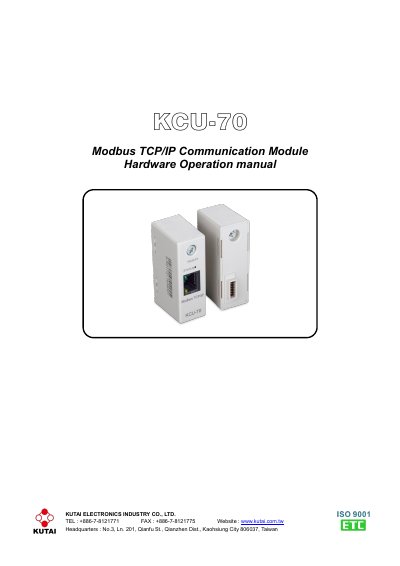
The Kutai KCU-70 is a Modbus TCP/IP communication module designed for use with Kutai's advanced control units, such as the ATS-245-DC, GCU-100, and GCU-3000. It supports 10/100Base-T network transmission and allows up to three simultaneous connections with a pre-set IP port of 502. The module features status indicators for network connection and communication status, as well as a reset function for factory parameter restoration.
| Power Input | 5 Vdc |
|---|---|
| Dimensions | 65.0 (L) x 23.0 (W) x 35.0 (H) mm |
| Static Consumption | < 1.0 watt |
| Operating Temperature | -20 to +60 ˚C |
| Storage Temperature | -35 to +85 ˚C |
| Number of connection allowed | 3 |
| Network Transmission | 10/100Base-T |
| IP Port | 502 |
| Modbus-TCP Timeout | 1 second |
| Network Communication Timeout | 22 seconds |
The factory default admin password is 'ji394kutai'.
The KCU-70 is compatible with Kutai's advanced control units including ATS-XX type, GCU-100, GCU-3000, AMF-10, and AMF-11.
Use a pointy object to hold and press down the RESET button for 2 seconds until the light turns RED.