
This manual mainly introduces the basic usage methods of DSP-52 Remote software.
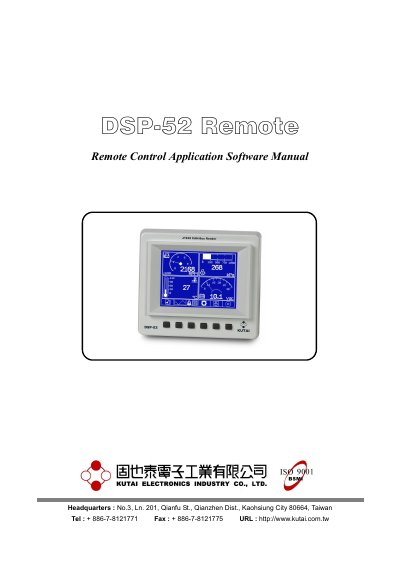
This manual explains how to operate the DSP-52 Remote software, which connects to a DSP-52 CAN Bus Reader via RS-485 to remotely access and display vehicle diagnostic data. It covers setup, connection procedures, gauge displays, curve recording, and ADTC (Active Diagnostic Trouble Code) logging. The software is compatible with Windows 98 through Windows 7 and uses ModBus protocol with CRC-16 for data integrity.
| Operating Systems | Microsoft Windows 98, Windows XP, Windows Vista, Windows 7 |
|---|---|
| Communication Protocol | RS-485 with ModBus protocol and CRC-16 |
| Baud Rate | 38400 bps |
| Max Communication Distance | 500 to 1000 meters |
| ADTC Records | Up to 100 failure codes |
| Historical Data Curve | 24 hours for 8 parameters |
Microsoft Windows 98, Windows XP, Windows Vista, Windows 7.
Up to 100 failure codes with SPN, FMI, occurrence count, and warning lamp status.