
VQ4100-OE Owner’s Manual, introduces the connection and operation methods of the product
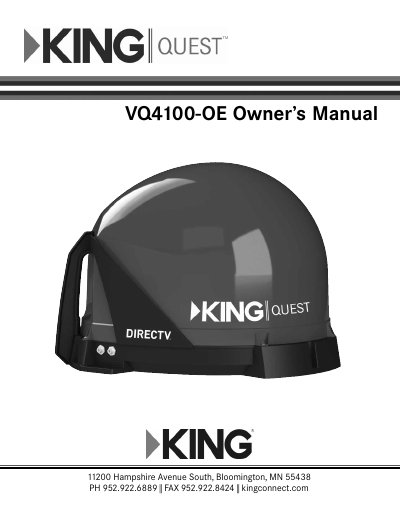
This manual guides users through installing and configuring the KING VQ4100-OE satellite antenna for mobile use. It covers setup with either a power injector or UC1000 controller, receiver configuration for DIRECTV, DISH, and Bell TV, and includes check switch tests and troubleshooting. The antenna requires a direct line of sight to southern satellites and is not compatible with SWM-only receivers.
The manual also explains how to configure the antenna for different satellite services, verify settings, and handle second receiver setups. It includes safety and warranty information and directs users to the KING website for support and product registration.
The KING VQ4100-OE is compatible with DIRECTV, DISH, and Bell TV receivers. It will not work with SWM-only receivers.
The KING UC1000 Controller is factory preset for DISH HD and SD (satellites 110, 119, and 129). If this is your desired service, no configuration is needed.
Tailgater Mode is a feature for certain DISH receivers (ViP211z, ViP211k, ViP211, and 411) that simplifies operation with the antenna’s built-in interface.
If the check switch test fails, run the test again. If it fails after 4 attempts, contact KING for assistance.