
KING Falcon Automatic Directional Wi-Fi Antenna Installation and Operating Instructions

This document is the installation and operating instructions for the KING Falcon automatic directional WiFi antenna
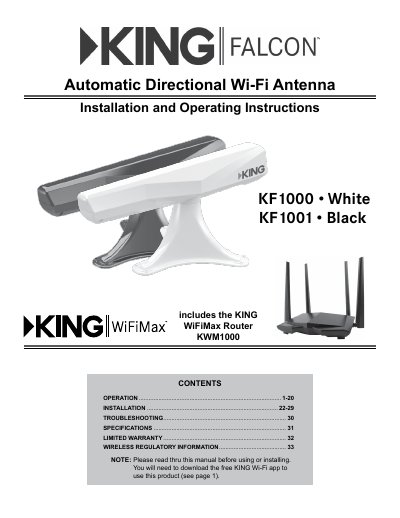

KING Falcon Automatic Directional Wi-Fi Antenna Installation and Operating Instructions - cover page
Brand
King
Category
Other Electronics
Document type
User Manual
Language
English
Pages
36
File format
PDF
File size
3.3 MB
Published
16 October, 2023
Updated
16 October, 2023
MD5 checksum
9DB2E31148E540F26E76D9B5DD5C3221

About this manual

The document serves as an installation and operating guide for the KING Falcon Automatic Directional Wi-Fi Antenna system, which includes the KWM1000/KF1000 WiFiMax Router/Range Extender. The manual details the setup process involving a smartphone or tablet app to configure network settings and pair with the antenna.

What's inside

  • Operation
  • Installation
  • Troubleshooting
  • Specifications
  • Limited Warranty
  • Wireless Regulatory Information

Frequently asked questions

What is the stated weight and physical size of the KING Falcon antenna?

The antenna weighs 2.7 lbs and measures 9.18 inches in height, 10.95 inches in width, and 22.65 inches in length.

What is the maximum input voltage rating for the power supply?

The power supply accepts a nominal input of 12VDC with a maximum limit of 16VDC.

What are the minimum requirements for the device used to set up the antenna?

You need a tablet or smartphone with Bluetooth Low Capability running Apple iOS or Android.

Download PDF (3.3 MB)

More King Manuals


View all King manuals →