
This document is the instruction manual for the VT 210 Thermo-Hygrometer-Anemometer
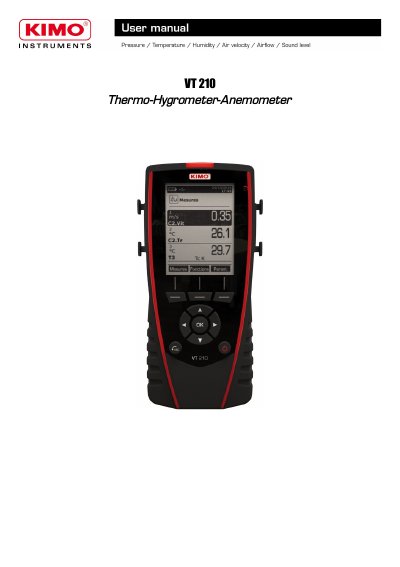
This manual provides step-by-step instructions for operating the Testo VT 210 thermo-hygrometer-anemometer. It covers instrument setup, including language, date/time, and security settings. It also explains how to configure and use various probes, set measurement parameters, and manage data recording and printing. The device features a 120x160 pixel display, interchangeable SMART-2014 modules, and optional printer support.
| Display | 120x160 pixels graphic display with backlight |
|---|---|
| Battery Life | 16 hours with pressure module, 14 hours with hotwire probe |
| Printer | Optional thermal printer with 10-year paper guarantee |
Go to the 'Configuration' menu, select 'Language', then choose from available languages (e.g., FRA, ENG) using arrow keys and press OK.
Units can be set to m/s, fpm, km/h, or mph.
Go to 'Temp.alarm', select 'High alarm' or 'Low alarm', then set thresholds between -9999.9°C and 9999.9°C.