
This manual introduces the specific steps for Bosch Car Multimedia CM/MBC software update, including prerequisites, downloading software, and starting software update.
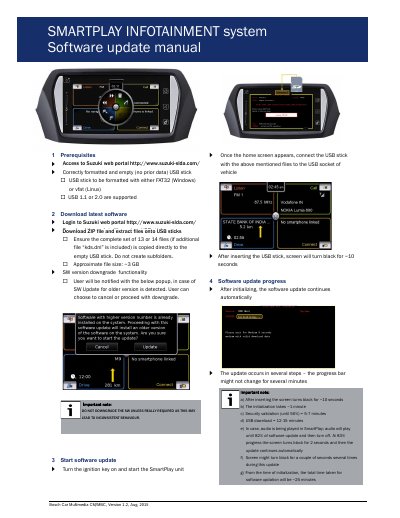
This manual explains how to update the Bosch Car Multimedia CM/MBC system using a USB stick with software files downloaded from the MSIL dealer management system. It covers prerequisites, downloading files, starting the update, progress steps, and troubleshooting. The update process takes approximately 25 minutes and requires the vehicle’s ignition to remain on during installation. After completion, the device resets and must be restarted manually.
The total time taken for software updation will be ~25 minutes.
Downgrading the software may lead to inconsistent behavior.
The USB stick should be formatted with either FAT32 (Windows) or vfat (Linux).