
This is the user manual for the Jensen JHD910 AM/FM/WB receiver
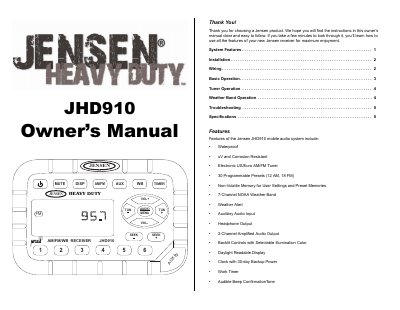
This manual provides step-by-step instructions for installing and operating the Jensen JHD910 AM/FM/WB receiver. It covers mounting the unit, wiring connections, basic operation, tuner and weather band functions, and troubleshooting. The receiver features waterproof construction, 30 programmable presets, NOAA weather band, and a daylight-readable display. It also includes auxiliary input, headphone output, and a 30-day backup clock.
The manual includes detailed diagrams for mounting brackets and wiring, along with explanations for setting the clock, adjusting volume and audio settings, and using the timer and mute functions.
| Waterproof | Yes |
|---|
Press DISP for more than three seconds to enter clock setting mode. Use TUN- to adjust hours and TUN+ to adjust minutes. The time will be set after ten seconds of no adjustment.
It is a nationwide system broadcasting local weather emergency information 24 hours a day, with seven frequencies (162.400MHz to 162.550MHz).
It automatically switches to weather band mode for 60 seconds if a NOAA warning tone (1050 Hz) is received, then returns to the previous mode unless the alert is still active.