
This document provides a short description of Digta 7.
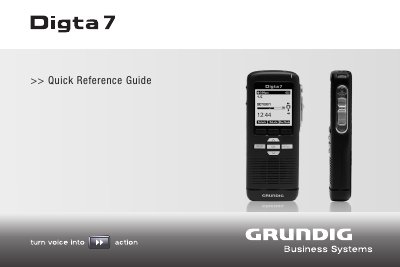
This document serves as a Quick Reference Guide for the Grundig Digta 7 dictation machine. It outlines the functions of various buttons, switches, and indicators found on the device, including the thumb button, slide switch, and display buttons. The guide explains the meaning of LED lights and status indicators such as recording, battery level, and memory status.
| Battery Type | Rechargeable 962- or AAA-batteries |
|---|---|
| Memory Medium | Memory card |
| Interface | USB-connection |
| Microphone | Internal and external socket |
You will find the comprehensive manual for your Digta 7 in the "Docu" directory on the included DVD.
A red light indicates overwrite or append mode during recording.
Engage the thumb button to activate speech recognition for input of numbers and letters.