
This user manual covers the operation, safety, troubleshooting, and technical specifications of the Grundig BAND Bluetooth speaker with DAB/FM radio.
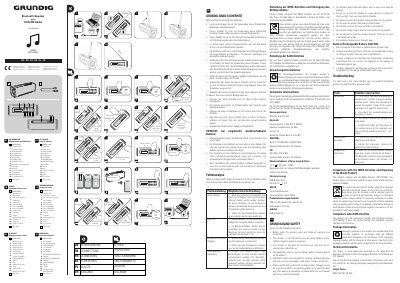
This document serves as the user manual for the Grundig BAND Bluetooth speaker, which features DAB and FM radio capabilities. It provides instructions on using the controls, including volume adjustment, mode selection, and preset storage for various audio sources. The manual also details safety precautions, such as avoiding water and heat, and explains how to dispose of the device according to WEEE and RoHS directives.
| Output Power | 2x2.5 W RMS |
|---|---|
| Bluetooth Frequency | 2.402 GHz-2.480 GHz |
| Bluetooth Version | 5.0 |
| Playback Time | 8+ hours |
| Charging Time | 3-4 hours |
| Dimensions | 196 mm (W) x 68 mm (D) x 68 mm (H) |
Press the PRE/MEM button to store the current FM or DAB station to a chosen channel number between 1 and 30.
Check if the volume is too low or in mute mode. In Bluetooth mode, ensure the external device volume is at maximum.
Power off the device and power it on again 10 seconds later, or disconnect and reconnect the supplied adapter.