
Key facts
- Brand
- Grundig
- Model
- Digta 7
- Category
- Other Electronics
- Documents
- 3
- Languages
- DE · EN
- Last added
- 2026-11-10
Start here
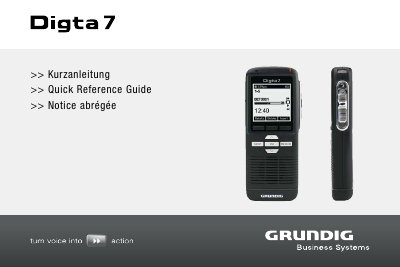
Grundig Digta 7 Dictation Device Quick Reference Guide
This quick reference guide covers the Grundig Digta 7 dictation device. It identifies controls and connections, explains the display, and describes startup and operation, including charging the battery, switching the device on and off, the key lock, slider switch variants, internal/external memory and the help function.
The guide notes that the full user guide is available at www.grundig-gbs.com. It also lists the scope of delivery, safety notes, cleaning instructions, approved accessories and customer center registration. This manual is written in German.
Grundig Digta 7 specifications
| Battery compartment | AAA batteries or battery pack 962 |
|---|---|
| Charging time | Approx. 4 hours |
| Power supply input | 230 V AC |
| USB port | Connection for PC and Grundig power supply |
| Earphone jack | For earphones or headphones |
| Memory card | Storage medium for recorded dictations |
Source: Grundig Digta 7 Dictation Device Quick Reference Guide
All Grundig Digta 7 documents by type
The shortest path to a working setup, usually only a few pages.
Day-to-day operation, settings and troubleshooting. Start here if the product is already set up.
Questions answered in these manuals
How long does charging the battery take?
The battery is fully charged after about 4 hours.
From: Grundig Digta 7 Dictation Device Quick Reference Guide
How do I switch the Digta on?
Press the MENU button until the first display appears; the device then switches to the main screen and is ready for operation.
From: Grundig Digta 7 Dictation Device Quick Reference Guide
What foods are suitable for this toaster?
The toaster is designed for toasting and warming bread and buns only.
What is the power rating of this appliance?
The power supply is 220-240 V~, 50-60 Hz and the power is 1700 - 2000 W.
Where can I find the comprehensive manual?
You will find the comprehensive manual for your Digta 7 in the "Docu" directory on the included DVD.
What does the red recording LED indicate?
A red light indicates overwrite or append mode during recording.