
Micro III Pump Operations Manual is the operator's manual for the Micro III pump from Good For Gas. It provides information on how to use the pump, test the battery capacity, and replace the battery.
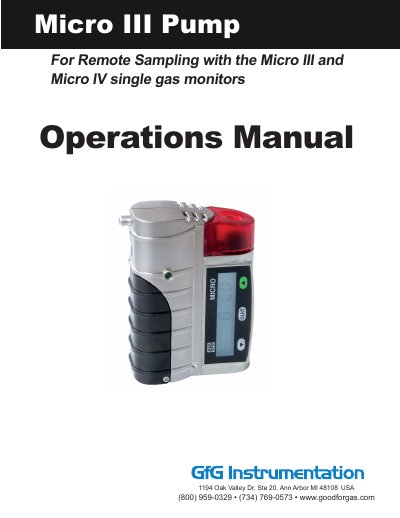
This manual provides instructions for operating the GfG Micro III pump, designed to work with Micro III and Micro IV gas monitors. It covers turning the pump on and off, interpreting confidence signals and low flow alarms, testing battery capacity, and replacing batteries. Safety precautions are emphasized, including use only by qualified personnel and avoiding hazardous environments during battery replacement.
The pump is powered by two AA alkaline batteries and can operate for up to 8 hours. Technical specifications include pump performance, climate conditions, and physical dimensions. Maintenance and repair guidelines are provided, along with a list of spare parts and accessories compatible with the pump.
| Pump Performance | 0.50 l/min for 0 mm Wc, 0.40 l/min for 300 mm Wc |
|---|---|
| Climate Conditions (Operation) | -20...+55 (45)°C |
The green LED remains continuously lit to indicate trouble-free operation of the pump.
Check that the gas passageway is free and the filters are clean in the sample wand. The alarm indicates gas flow is blocked or the sampling hose is kinked.