
This is the user manual for VÍVOMOVE HR watch
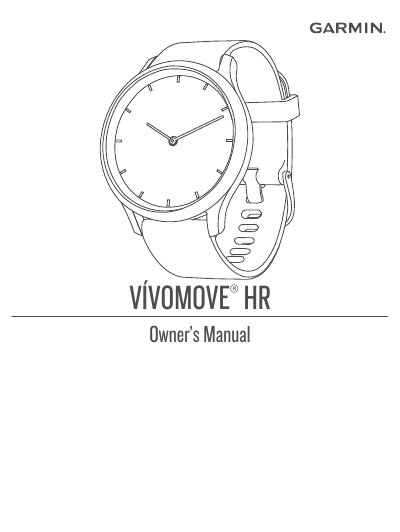
This manual explains how to set up and use the Garmin VÍVOMOVE® HR wearable, including device modes, heart rate monitoring, stress level tracking, and syncing with Garmin Connect. It also covers device care, troubleshooting, and software updates. The device features widgets for quick access to time, steps, calories, and notifications, and includes tools to help users meet fitness goals and improve calorie accuracy.
Install the Garmin Connect app, then pair the device directly through the app instead of Bluetooth settings on your phone.
The Move Bar reminds you to keep moving after one hour of inactivity, with additional segments every 15 minutes.
Walk briskly for up to 15 minutes to calibrate the device, which helps improve calorie estimates.