
This manual is a user manual for COPS-1 software, introducing the software functions, installation and use methods.
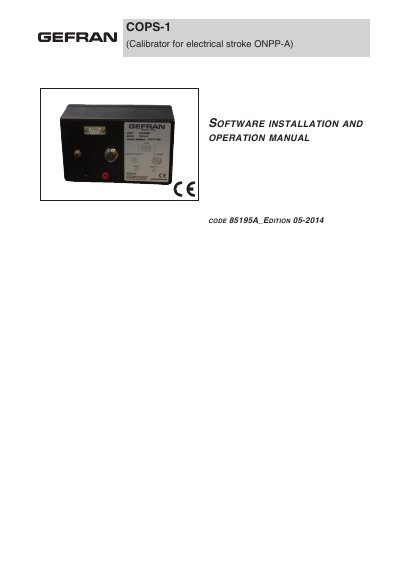
This manual guides users through installing and operating the Gefran COPS-1 software, which adjusts output signals for ONPP-A transducers. It covers hardware setup, software installation, configuration options, and procedures for transducer adjustment, parameter import/export, and restoring settings.
The software communicates via RS232 with the COPS-1 device and requires a multimeter. Users configure COM ports, save directories, and language preferences. It supports voltage and current output transducers with defined regulation ranges and allows saving/restoring parameters via a dedicated file.
| Hardware Interface | RS232 serial interface |
|---|---|
| Transducer Types Supported | ONPP-A with voltage output or ONPP-A with current output |
| Voltage Output Range | 0.5…9.5 V |
| Current Output Range | 2.4…9.6 V (R = 500 Ω) |
| Supported Languages | English, Italian, German, French, Portuguese, Spanish |
The software requires a Gefran COPS-1 device, an RS232 serial interface, and a multimeter.
The GEFRAN COPS-1 software allows user to adjust the value of the output signal of Gefran ONPP transducers, regarding its zero and full scale positions.
At power-on (power-off) of the COPS-1, the multimeter output is set by default for ONPP-A with voltage output.