
This manual describes how to use the APPROACH R10 golf simulator.
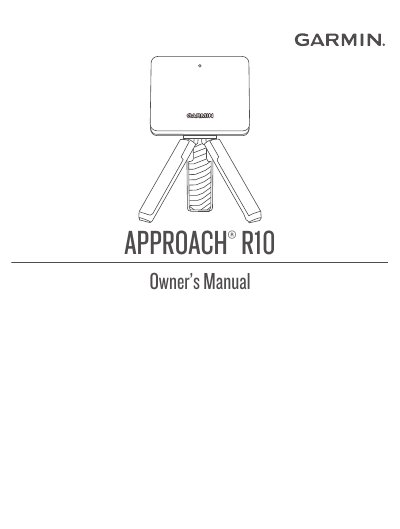
The Garmin Approach R10 is a portable golf simulator launch monitor designed to help golfers practice and analyze their shots. It features internal radar technology to measure ball flight data and integrates with the Garmin Golf app for detailed statistics and virtual course play. The device includes a magnetic tripod mount for easy setup and a built-in rechargeable battery for up to 10 hours of operation.
| Battery type | Rechargeable, built-in lithium-ion battery |
|---|---|
| Battery life | Up to 10 hr. |
| Operating temperature range | From -10º to 55ºC |
| Charging temperature range | From 0º to 45ºC |
| Water rating | IEC 60529 IPX7 |
A solid blue LED indicates that the launch monitor is in pairing mode.
The device has a battery life of up to 10 hours.
The tee location must be at least 8 ft. (2.4 m) away from the net.