
Nintendo Pokémon Colosseum Official Nintendo Power Player's Guide

This document is the official Nintendo Power Player Guide published by Nintendo.
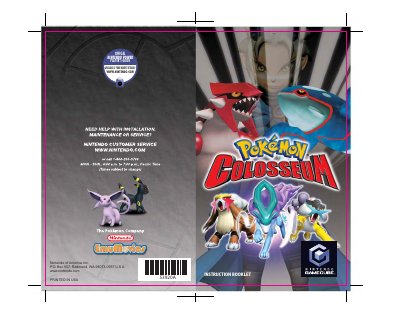

Nintendo Pokémon Colosseum Official Nintendo Power Player's Guide - cover page
Brand
Nintendo
Category
Game
Document type
User Manual
Language
English
Pages
28
File format
PDF
File size
1.8 MB
Published
18 October, 2023
Updated
18 October, 2023
MD5 checksum
0926ACBC7CD00F86D7D1C3C8833FF5AA

About this manual

This document is the Official Nintendo Power Player's Guide for the video game Pokémon Colosseum. It provides instructions on how to start the game, select modes, and manage save files using a Memory Card. The guide explains the basic controls for the Nintendo GameCube controller, including button functions for movement, commands, and menu navigation.

What's inside

  • Controller Neutral Position Reset
  • Important Safety Information
  • Progressive Scan Compatibility
  • How to Start the Story Mode
  • Basic Controls
  • Connecting the Game Boy Advance Cable
  • Troubleshooting Connection Errors
  • Warranty & Service Information

Frequently asked questions

How do I reset the controller if buttons are stuck?

Release all buttons and sticks, then hold down the X, Y, and START/PAUSE Buttons simultaneously for 3 seconds.

How do I activate progressive scan mode?

Press and hold the B Button while the Nintendo GameCube logo is displayed until the message appears, then select YES.

What is the minimum free space required on the Memory Card?

You need 48 or more free blocks on your Memory Card to save the progress of the game.

Download PDF (1.8 MB)

More Nintendo Manuals


View all Nintendo manuals →