
The CIU-3 is a USB interface for communications between Link-supported devices (such as a S.BUS servo , Gyro and ESC) and Windows computer.
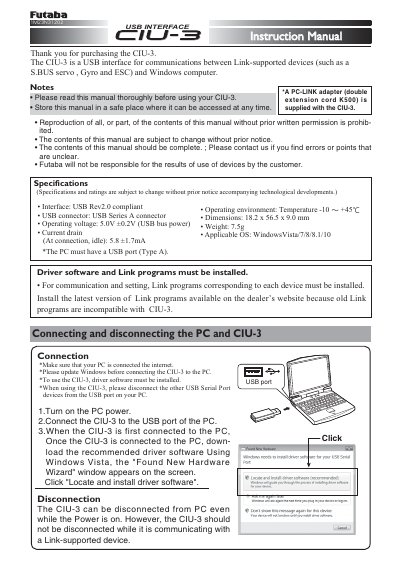
The Futaba CIU-3 is a USB interface designed for communication between Link-supported devices, such as S.BUS servos, gyros, and ESCs, and a Windows computer. It requires the installation of specific driver software and Link programs compatible with the connected device to function correctly.
| Interface | USB Rev2.0 compliant |
|---|---|
| USB connector | USB Series A connector |
| Operating voltage | 5.0V ±0.2V |
| Current drain | 5.8 ±1.7mA |
| Operating temperature | -10 to +45 |
| Dimensions | 18.2 x 56.5 x 9.0 mm |
| Weight | 7.5g |
| Applicable OS | Windows Vista/7/8/8.1/10 |
The CIU-3 is compatible with Link-supported devices such as S.BUS servos, gyros, and ESCs.
Yes, the CIU-3 can be disconnected from the PC even while the power is on, but not while communicating with a device.
The operating voltage is 5.0V ±0.2V, powered by the USB bus.