
This document is a service manual for the Fleck 2850 control valve. It contains specifications, installation, operation, and maintenance instructions for the valve.
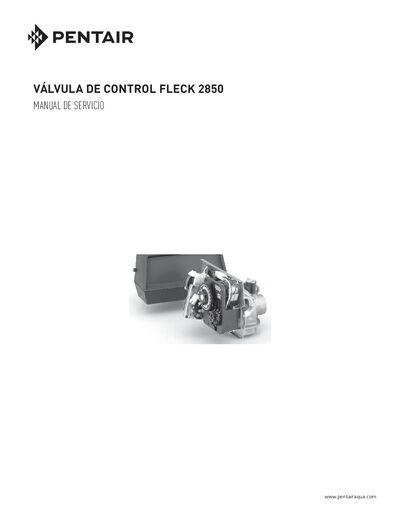
The manual provides detailed installation instructions for the Fleck 2850 control valve, including water‑pressure requirements, electrical supply, pipe sizing, and placement of the softener unit. Safety warnings, such as the California Proposition 65 notice, are also included.
It also describes how to set up and adjust the timer, configure regeneration cycles, and service the valve’s mechanical components. Parts lists, diagrams, and wiring details are provided for technicians performing maintenance or repairs. This manual is written in Spanish.
| Minimum water pressure | 20 psi (1.4 bar) |
|---|---|
| Maximum water pressure | 125 psi (8.6 bar) |
| Maximum water temperature | 110 °F (43 °C) |
| Timer type options | 7‑Day, 12‑Day, Meter‑Started |
| Standard meter size | 3/4 in. (125‑2100 gal) |
The valve needs at least 20 psi (1.4 bar) water pressure to function correctly.
The water pressure must not exceed 125 psi (8.6 bar).
Only silicone lubricant should be used.
Turn the program wheel until the number “1” aligns with the red pointer, then slide the tabs outward to expose the day fingers for the desired schedule.